Loading...
Searching...
No Matches
Velvet API Reference
Velvet is a beginner-friendly C++ GUI framework built on SFML.
This documentation is focused on how to build screens quickly and how each widget is configured.
Core idea
Build a tree of widgets, then add the root to a Window:
- Create a
Window - Create layout containers (
HStack/VStack) - Add widgets (
Label,Button,Slider,Image, etc.) - Bind callbacks (
onclick,onchange)
- Start the event loop with
window.run()
Velvet handles:
- event forwarding
- rendering
- cursor updates
- simple layout positioning
Start here
A minimal app
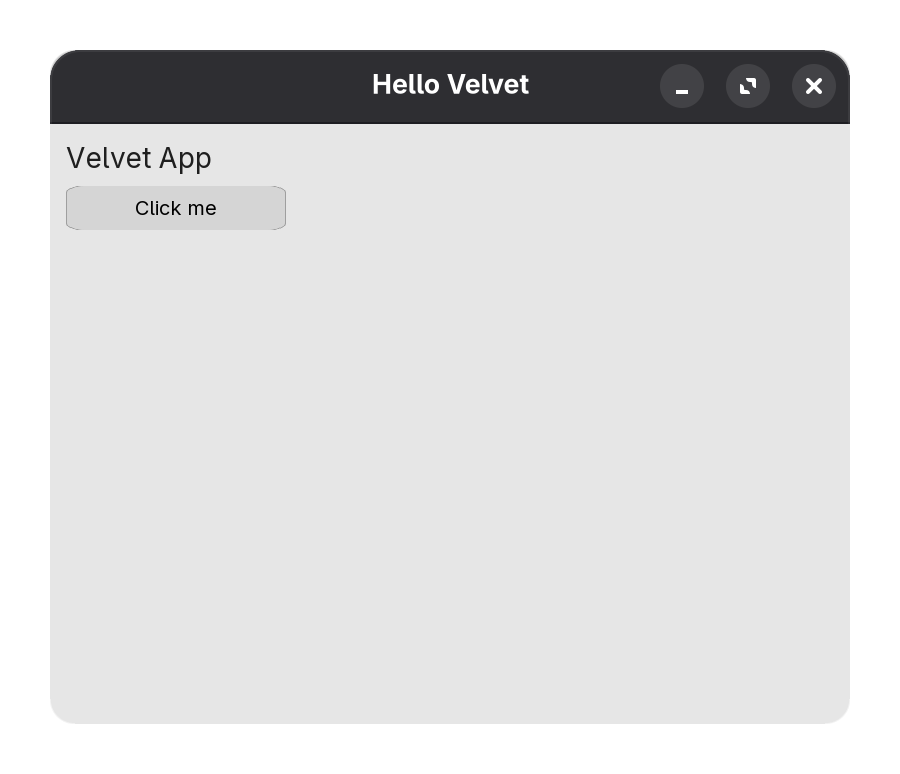
#include <velvet/core>
int main() {
Window window(800, 600, "Hello Velvet");
VStack root(12);
root.setPadding(16);
Label title("Velvet App", {
{"fontSize", 28.f },
});
Button button(220, 44, "Click me");
button.onclick = [&] {
title.setText("Clicked!");
};
root.add(title, button);
window.add(root);
window.run();
}